PS5 controller won't charge: USB-C port or battery?
A controller that won't charge isn't necessarily lost: in most cases it is the USB-C port or the battery, two parts that can be replaced.
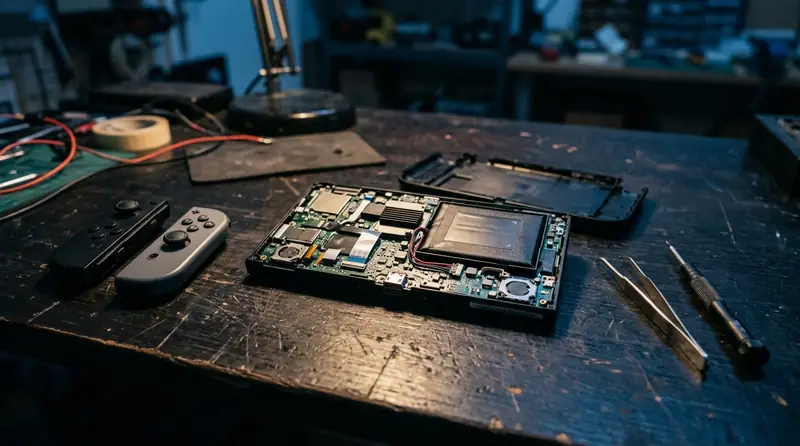
The DualSense charges through a USB-C port and runs on an internal battery. These are the two parts that fail most often. Before buying a new controller, it is worth knowing which one is at fault.
Check it yourself
Try another cable and another port, directly on the console. Look into the USB-C port with a torch: dust or lint packed at the bottom often stops the cable from going in fully. If the cable wobbles, or charging only works when you hold it at an angle, it is the port.
USB-C port or battery?
If the light never comes on, whatever the cable, it is usually the port or the small charging board. If the controller charges but only lasts two or three hours, or shuts off suddenly, the battery is worn. A swollen battery sometimes shows as a shell that gapes.
The repair
We open the controller, measure the charging and the battery, then replace the faulty part: a soldered USB-C port, the charging board or a new battery. We then test a full charge and how long it lasts. You get the price before the repair. To send it by post, read how to pack it properly.
Also worth reading
PS5 controller drifting: why it happens, and the Hall-effect stick option
DualSense stick drift isn't a manufacturing defect but mechanical wear. Classic stick or Hall-effect stick: what we fit, and for whom.
Joy-Con drift: repair instead of buying a new pair
Joy-Con drift is the best known of all. A new pair is expensive; a new stick fitted at the workshop, much less. How it goes.
Sending your console by post: how to pack it so it arrives in one piece
PS5, Xbox or Switch by Colissimo: what to put in the box, what to leave at home, and how to pad it to avoid transport damage.